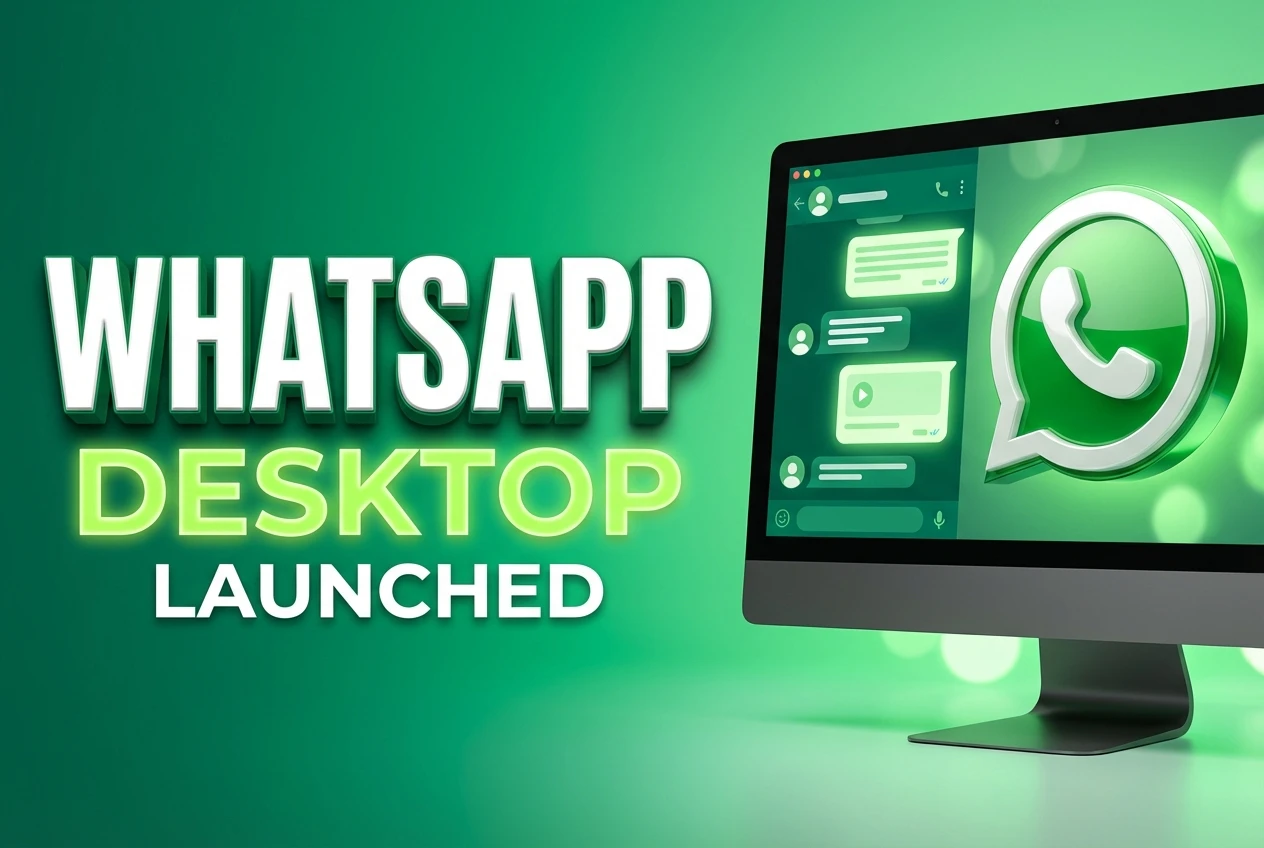
If you spend your workday cycling through browser tabs just to text your friends, your routine is about to change. After more than a year of forcing users to rely on a web interface, the world’s most popular messaging platform has taken the next logical step. The Facebook owned company just dropped dedicated desktop clients for both Windows and Mac platforms.
Moving Beyond the Browser Tab
The original web client launched back in January 2015, and it served its purpose as a stopgap measure. Users could scan a barcode and see their chats on a larger screen. But browsers are inherently restrictive environments. Tabs get closed accidentally, background processes get suspended to save memory, and browser based notifications often fail to grab your attention.
By releasing a dedicated application, WhatsApp is cementing its place on your primary workstation. The goal is simple enough – keep people talking without making them pick up their phones. When you remove the friction of unlocking a device or hunting for a buried browser tab, communication volume naturally increases.
The leadership team sees this as a fundamental shift in how people access the network. Writing for the company blog, the founders emphasized that the desktop environment requires its own dedicated tools rather than a generic web wrapper.
“Today we’re introducing a desktop app so you have a new way to stay in touch anytime and anywhere – whether on your phone or computer at home or work.” – Jan Koum, CEO and Co-founder of WhatsApp.
According to early coverage from the global business team at Forbes, this rollout positions the service to compete more directly with established desktop messaging tools like Skype and Apple’s own iMessage.
How the Connection Actually Works
The technical architecture of the new software is essentially identical to the web version it replaces. The desktop application mirrors conversations and messages from your mobile device rather than acting as an independent client. Your phone remains the primary hub for all encryption keys and message histories.
Setting up the new software requires scanning a QR code using the camera inside your mobile WhatsApp application. It takes only a few seconds, but it establishes a secure link between your workstation and your mobile device. Because of this architecture, your phone must stay powered on and connected to the internet for the desktop program to function.
If your mobile battery dies, your desktop chats immediately stop syncing. Despite this limitation, running a standalone program offers several distinct advantages over a standard website:
- Native desktop notifications that integrate with Windows Action Center and OS X Notification Center
- Better keyboard shortcuts for starting new chats and managing group conversations
- The ability to use the app in a standalone window separate from your cluttered browser
- Support for the newly launched PDF file transfer features right from your local hard drive
Reviewers at tech publications like Mashable have highlighted the desktop app as a major workflow improvement for office workers who previously relied entirely on their phones.
The Strategy Behind the Screen
In the spring of 2016, the platform crossed a major threshold. The service now serves over 1 billion monthly active users globally, making it a critical asset for Facebook following their $19 billion acquisition in 2014. Keeping that user base engaged requires meeting them wherever they are.
Prior to this release, the messaging landscape was sharply divided. Mobile workers used WhatsApp, while office workers leaned heavily on Skype, Slack, or Google Hangouts for rapid text communication during the day. By building a tool that sits directly on the Windows taskbar or Mac dock, the company is making a clear play for workplace communication.
| Feature | WhatsApp Web | New Desktop App |
|---|---|---|
| System Integration | Browser dependent | Native OS integration |
| Notifications | HTML5 browser alerts | System-level alerts |
| Phone Connection | Required active sync | Required active sync |
| Keyboard Shortcuts | Limited browser hotkeys | Full custom shortcuts |
The timing is notable. The company recently added PDF file transfer support, signaling a push to make the app more useful for exchanging business documents. A future update is also slated to introduce a dedicated Call Back option, further expanding its utility beyond simple text messaging.
The Hardware You Need to Run It
You cannot download this new software from your system’s built-in application directory. The company has explicitly avoided the Windows Store and the Mac App Store, requiring users to pull the installer directly from their official website.
To run the client smoothly, your machine runs on Windows 8 or newer, completely dropping support for older operating systems like Windows 7. For Apple users, the software requires OS X 10.9 Mavericks or a more recent version. If your hardware falls below these specifications, you are stuck using the browser-based web version.
Bypassing the official app stores gives the development team more freedom. They can push software updates instantly without waiting for Microsoft or Apple to review the code. It also ensures that all users receive bug fixes and security patches simultaneously.
This launch marks the end of an era for the platform. It is no longer just a mobile utility for dodging SMS fees. The jump to a dedicated #WhatsApp client proves that people want their conversations to follow them across every device they own. If anything, the convenience of the new #DesktopApp ensures that shutting down your computer is the only way to truly log off.