If you want to find a restaurant address while texting a friend, you usually have to leave your messaging app, open Safari, copy the link, and paste it back into your chat. It sounds like a minor annoyance, but when you multiply that process by dozens of conversations a day, it becomes genuinely frustrating. Google thinks that app-switching dance is entirely broken. As of May 12, 2016, they have released a very specific solution. It’s a brand new iOS utility called Gboard, and it puts the world’s most popular search engine directly beneath your thumbs.
The End of Constant App Switching
Rajan Patel, a Principal Engineer at Google, looked closely at how people communicate on smartphones and realised the operating system was getting in the way. He pointed out that hunting down basic information to share in a chat shouldn’t feel like a chore. Until now, tracking down flight times, local business hours, or breaking news articles meant juggling three different screens just to send one text message.
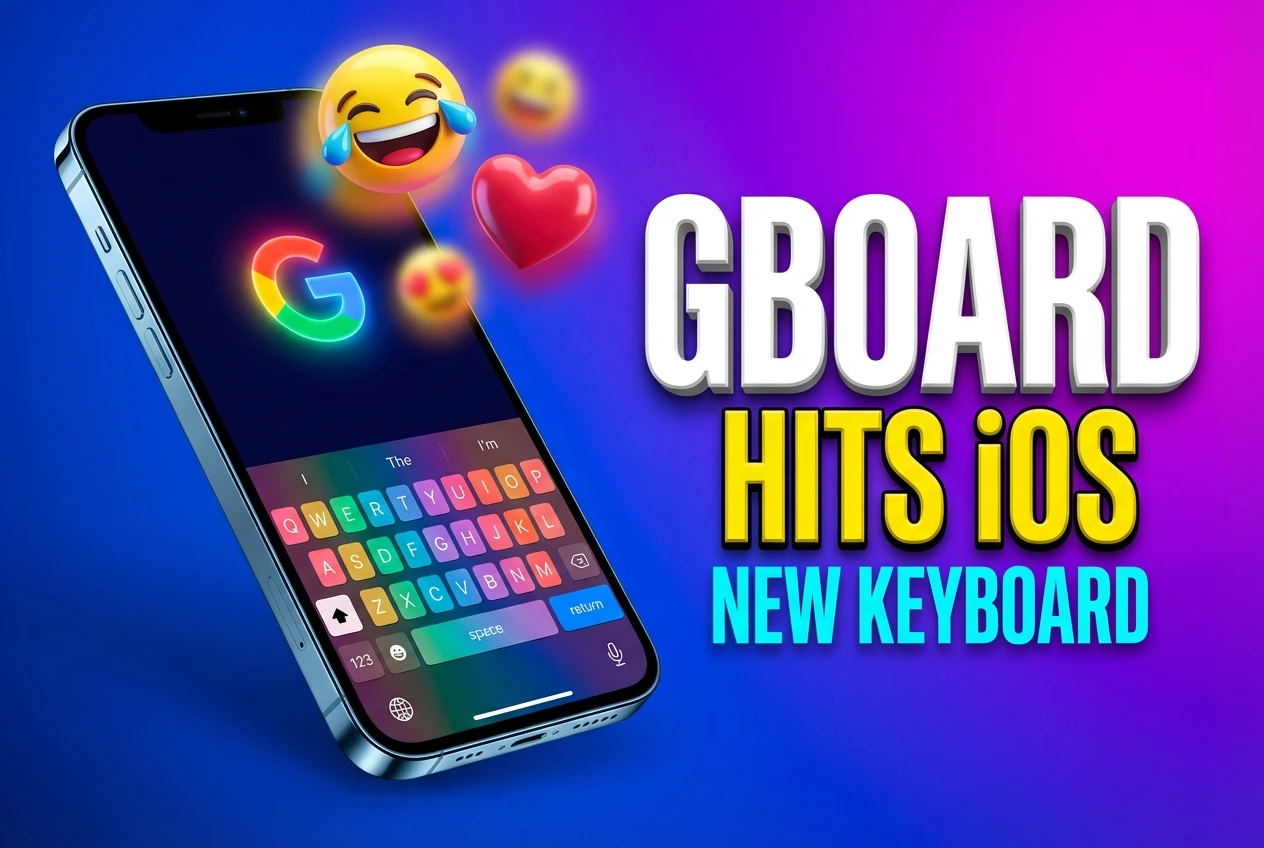
Gboard changes that by turning your primary typing interface into a mini browser. When you tap the colourful Google logo resting at the top left of the keys, a familiar search bar instantly appears right over the letters. You type in a query, and the integrated search results appear as visual cards that you can swipe through horizontally. Once you find the right card, a single tap pastes the link and summary text directly into your active conversation.
This functionality is completely app-agnostic, meaning it works anywhere the standard iOS keyboard functions. Whether you’re drafting a long email in Yahoo, debating weekend plans in WhatsApp, or sending a quick SMS through Apple Messages, the search tools stay pinned to your screen. You get immediate access to phone numbers, restaurant ratings, and mapping data without ever having to look at your iPhone home screen.
The engineering team specifically designed these result cards to look clean and legible within tight chat windows. Traffic from this keyboard is expected to register as direct traffic in most web analytics platforms, largely because the shared cards bypass traditional referral links when they’re dropped into private encrypted messaging feeds.
A Nine Billion Dollar Reason to Play on Apple Hardware
Building software for a rival platform might seem counterintuitive, but the financial incentives are undeniable. In 2014, Google pulled in $11.8 billion from mobile search revenue alone. That number is large, but the user breakdown is even more revealing about the company’s strategy. According to Goldman Sachs estimates from that period, roughly 75 percent of Google’s mobile search revenue was generated by iOS users.
Apple owners are extremely lucrative for the advertising business. By slipping their search engine directly into the core typing experience, Google ensures that iPhone users don’t rely on Apple’s built-in Spotlight search or Siri for quick web queries. They’re aggressively protecting their most valuable traffic source by intercepting the user before they even think to open a web browser.
| Metric | 2016 Market Data |
|---|---|
| Android Global Market Share | 85 percent |
| Global Smartphone Shipment Growth | 1.6 percent |
| iOS Share of Google Search Revenue | ~75 percent (2014-2015 estimate) |
This move comes at a critical time for the wider technology sector. According to a recent report from IDC, global smartphone shipments are projected to grow by just 1.6 percent in 2016. That’s a sharp decline from the 10.4 percent growth seen in 2015. With hardware sales cooling down, capturing service revenue off existing devices becomes the primary battleground.
Furthermore, digital advertising is shifting rapidly toward handheld devices. Recent data shows that mobile search revenue hit $7.4 billion in the United States during just the first half of 2016, nearly matching desktop levels for the first time. Securing a permanent home on the iPhone screen guarantees a steady stream of that advertising cash.
“Searching and sending stuff on your phone shouldn’t be that difficult.” – Rajan Patel, Principal Engineer at Google
Glide Typing and Built-In Media Search
Finding the perfect reaction animation usually requires installing a dedicated app, copying the file, and hoping it pastes correctly into your chat. Gboard bypasses this clumsy workflow completely by including a dedicated GIF search engine tucked into the bottom row.
You simply tap the globe icon, switch over to the media tab, and type exactly the emotion or reference you want. It’s a brilliant time saver for group chats. The keyboard also features a smart emoji prediction system. Instead of scrolling through hundreds of tiny yellow faces to find a cat, you simply type the word “cat” and the correct symbol pops up as a fast suggestion.
Google also brought over their most popular Android typing method, which they call Glide Typing. This allows you to form words by sliding your finger from key to key without ever lifting it off the glass. It takes a little practice if you’re used to traditional tapping, but it significantly speeds up one-handed texting on larger screens.
Here is what you get when you install the new utility:
- Integrated web queries with rich data cards
- A built-in GIF engine for quick sharing
- Smart emoji prediction based on your text input
- Continuous sliding input for one-handed use
- Location and contact sharing directly from the chat window
The Full Access Privacy Compromise
Apple restricts what third-party keyboards can do by default. Ever since they first opened iOS to outside keyboard developers in 2014, they’ve maintained strict sandboxing rules to protect user data. To use the live web features in Gboard, you have to venture into your iPhone settings and grant the app Full Access permissions.
This triggers a rather intimidating standard iOS warning. Apple explicitly cautions that turning this feature on allows the developer to transmit anything you type, including credit card numbers, passwords, and street addresses.
Tech reviewers have already started weighing in on the typing experience and design choices. Federico Viticci, the founder and Editor-in-Chief of MacStories, noted that while the tool is excellent on a phone, the layout is currently atrocious on the iPad Pro.
Google has acknowledged this early criticism directly. Patel replied to the feedback by confirming they plan to polish the tablet design in future updates, noting it was a conscious decision to focus entirely on the phone experience for launch day.
At launch, the app is exclusively available in English for the US App Store. However, the development team has already hinted at an upcoming global expansion, with a wider rollout to international markets expected shortly.
The Strategy Behind an iOS-First Launch
Releasing a major new software tool on a rival operating system before bringing it to Android raised some eyebrows in the tech community. Usually, Google debuts its best features on its own hardware first. However, launching this keyboard specifically for the iPhone is a very calculated move designed to protect their advertising moat.
Apple users tend to spend more money online, making them the most prized demographic for advertisers. By offering them a superior typing experience that just happens to be deeply tied to Google’s ecosystem, they guarantee those lucrative searches do not bleed over to competitors.
Furthermore, Apple’s own default keyboard has faced criticism for falling behind in modern features like gesture typing and integrated media sharing. Google saw a clear opening to provide a better tool that simultaneously serves their own business interests. They used the iPhone’s large install base as a trojan horse for their search product.
It’s a brilliant play for long-term survival.
For people who spend half their day inside messaging threads, this utility changes how digital conversations flow. You no longer have to be the person who holds up a chat to go verify a restaurant menu or find a movie time. Google is betting that once you get used to having the entire internet resting beneath your thumbs, you’ll never want to go back to a standard layout. This launch proves that the battle for #MobileSearch dominance is no longer happening in the browser, but right inside the #KeyboardApp you use every single minute.